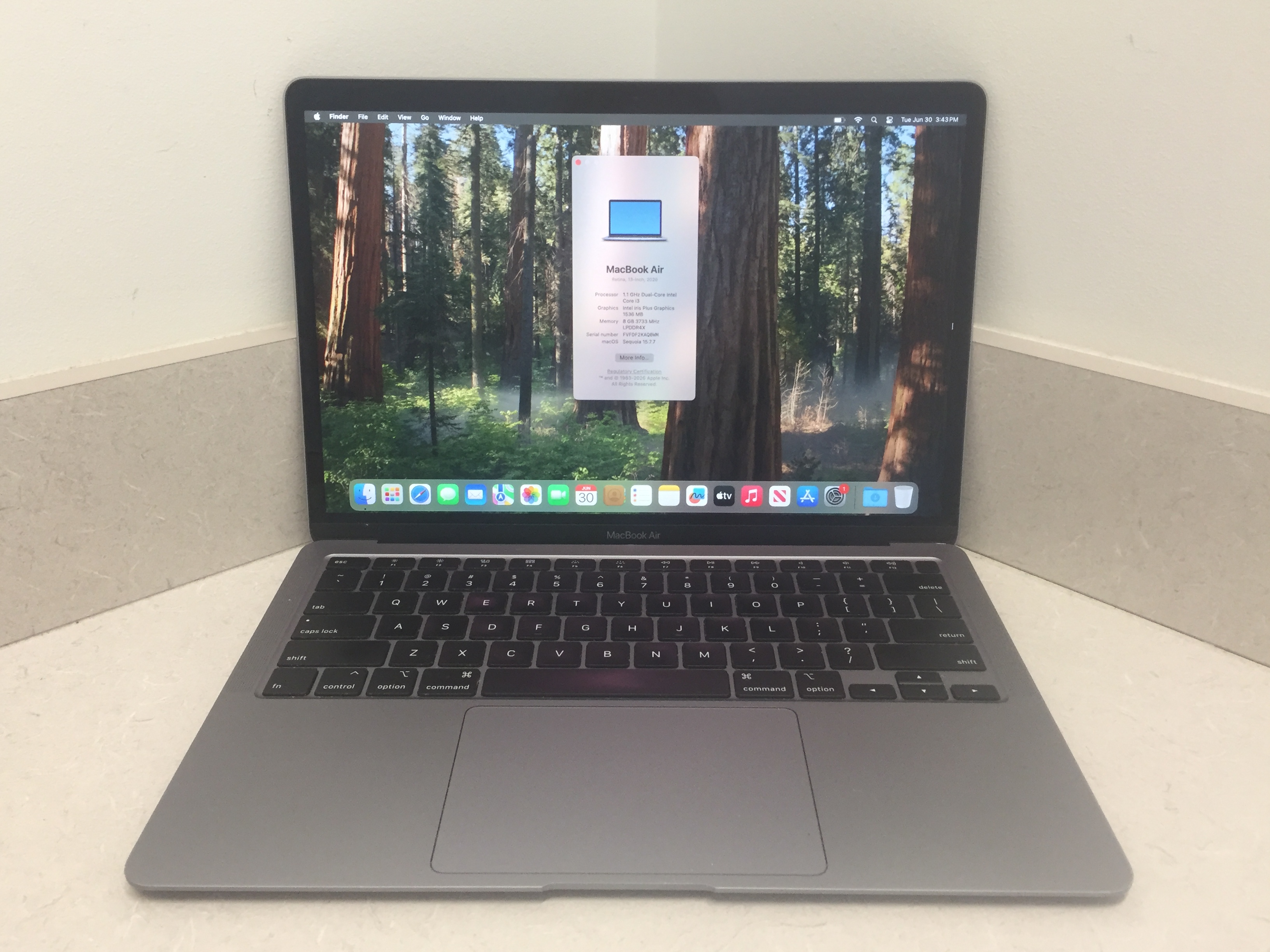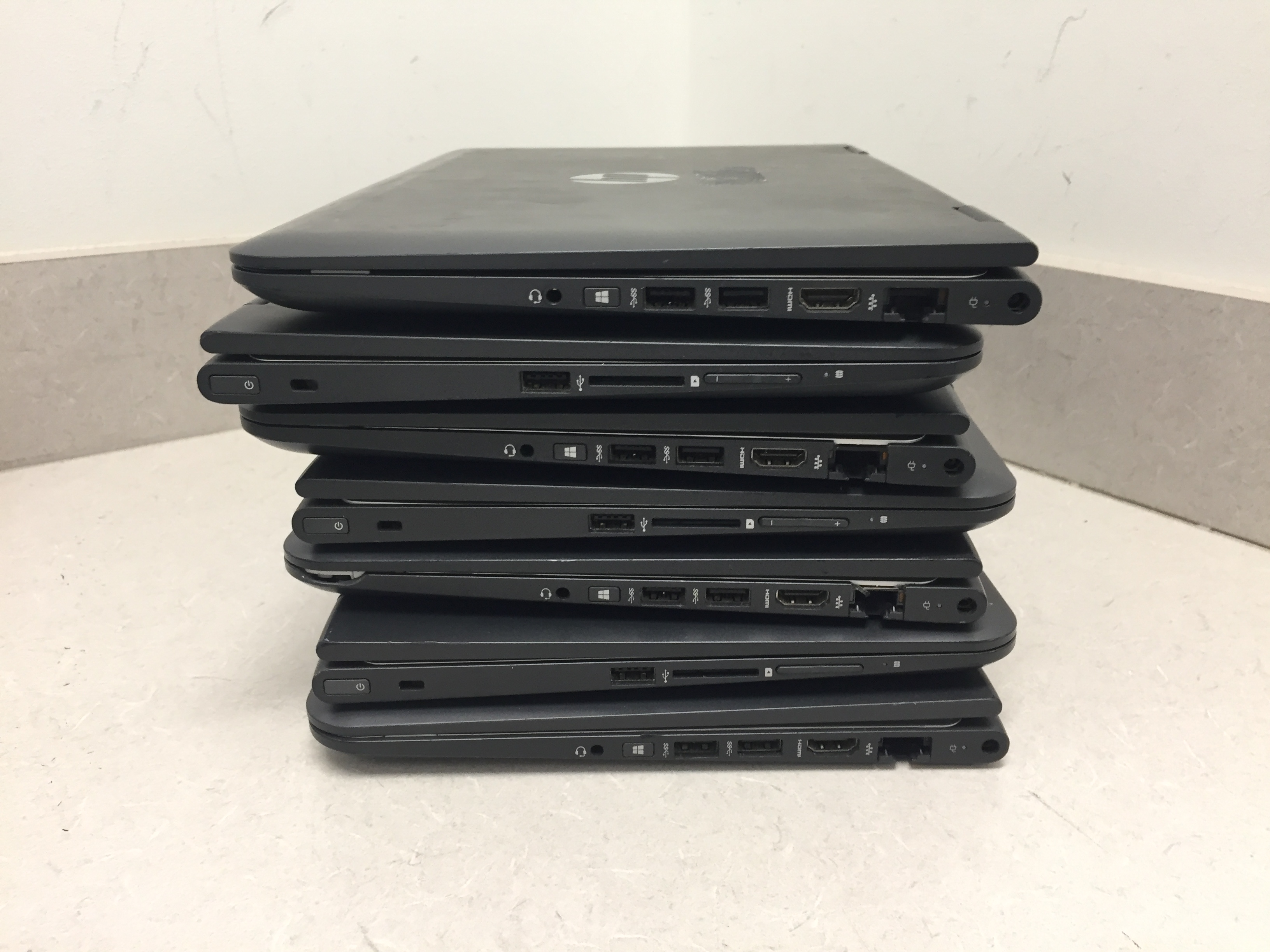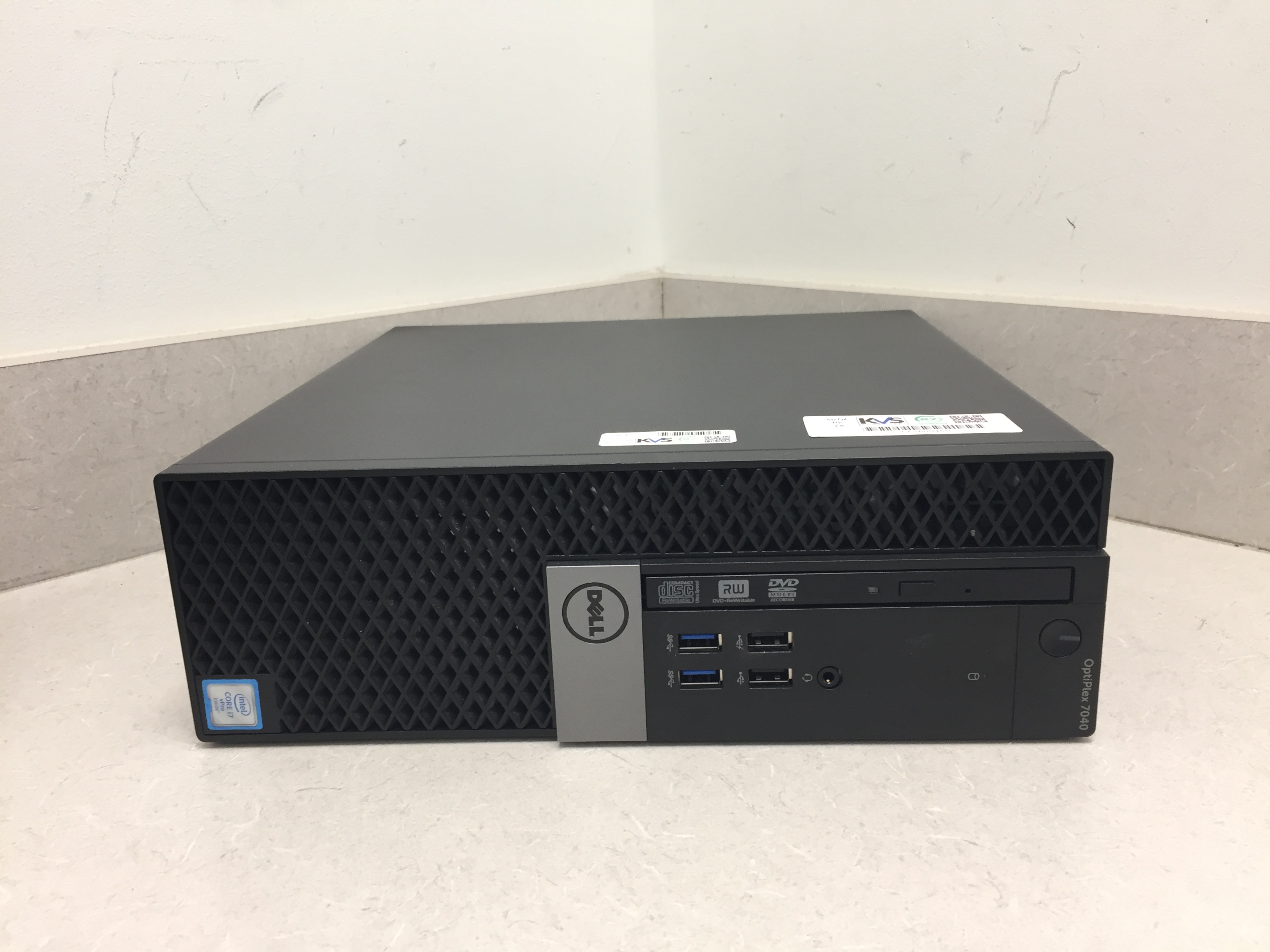
Buying a brand-new computer can easily set you back $1,000 or more, but it doesn’t have to. Every single month, public sectors, schools, and government agencies cycle through thousands of high-end, business-grade laptops to upgrade their systems. KVS Auctions provides a direct bridge to these assets, allowing you to bid on premium hardware for a fraction of its original retail cost.
However, buying used laptops online can sometimes feel like a gamble. To guarantee you get a machine that is safe, reliable, and functional, you need to know how to navigate the surplus market. Here is your ultimate guide to scoring the best laptop deals on KVS Auctions.
🛡️ The Secret Weapon: R2v3 Certified Laptop Lots
The biggest fear when buying a used laptop is data security and hardware health. If you buy a laptop from a random online marketplace, you risk buying a stolen device or a machine infected with malware.
KVS Auctions solves this problem by utilizing R2v3 (Responsible Recycling) standards. When you bid on a certified laptop lot, you are guaranteed two major protections:
- Military-Grade Data Wiping: Every hard drive is thoroughly sanitized and completely wiped using strict data-destruction protocols. The laptop arrives as a clean, secure slate.
- Functional Testing: Instead of guessing if a laptop works, certified technicians inspect the key internal hardware (like processors and RAM) to ensure the device is ready for a second life.
💻 Enterprise-Grade vs. Consumer Laptops
Many of the laptops featured on KVS Auctions—such as bulk or individual Dell, HP, and Lenovo lots—are enterprise-grade machines.
Unlike the cheap plastic laptops sold at standard big-box retail stores, enterprise laptops are built for corporations and government entities. They feature rugged internal frames, spill-resistant keyboards, better cooling systems, and easily upgradeable parts. They are engineered to last for years, making them an incredible investment for students, remote workers, and small businesses.
🛠️ Pro Tips for Laptop Bidders
- Check the Operating System (OS) Status: Many government surplus laptops are wiped completely clean and sold without an operating system pre-installed. Don't let this scare you away—it actually keeps your bidding competition low! Installing Windows or a free OS like Linux via a USB drive is incredibly easy and saves you a massive amount of cash.
- Look for AC Adapters: Always read the item description to see if the charging brick is included. If a great laptop lot doesn't include the charger, you can easily find affordable replacements online for $10 to $15. Factor that small cost into your maximum bid.
- Consider Bulk Lots for Resale: If you run an IT repair shop or an e-commerce store, look for multi-pack laptop lots. Buying 5 or 10 laptops in a single bundle lowers your cost-per-unit dramatically, leaving you with massive profit margins after clean-up and resale.