KVS Auctions
How to Choose the Perfect Computer for Your Needs

Learn how to choose the perfect computer for work, gaming, school, or business. Compare laptops and desktops, understand key specifications, and make an informed buying decision.

Buying a new computer is an important investment. Whether you're a student, professional, gamer, or business owner, selecting the right computer can improve your productivity, performance, and overall digital experience. With so many models and specifications available, it's essential to understand what features matter most before making a purchase.

Identify Your Primary Purpose

Before comparing specifications, determine how you'll use your computer.

  • For Students: Web browsing, online classes, document editing, and research.
  • For Business Professionals: Office applications, video conferencing, email, and multitasking.
  • For Creative Professionals: Graphic design, video editing, animation, and 3D rendering.
  • For Gamers: High-performance graphics, fast processors, and advanced cooling systems.
  • For Everyday Users: Internet browsing, streaming videos, and social media.

Choosing a computer based on your daily tasks helps avoid overspending on unnecessary features.

Desktop or Laptop?

One of the first decisions is choosing between a desktop and a laptop.

Laptop Advantages

  • Portable and lightweight
  • Built-in battery
  • Ideal for travel and remote work
  • Compact design

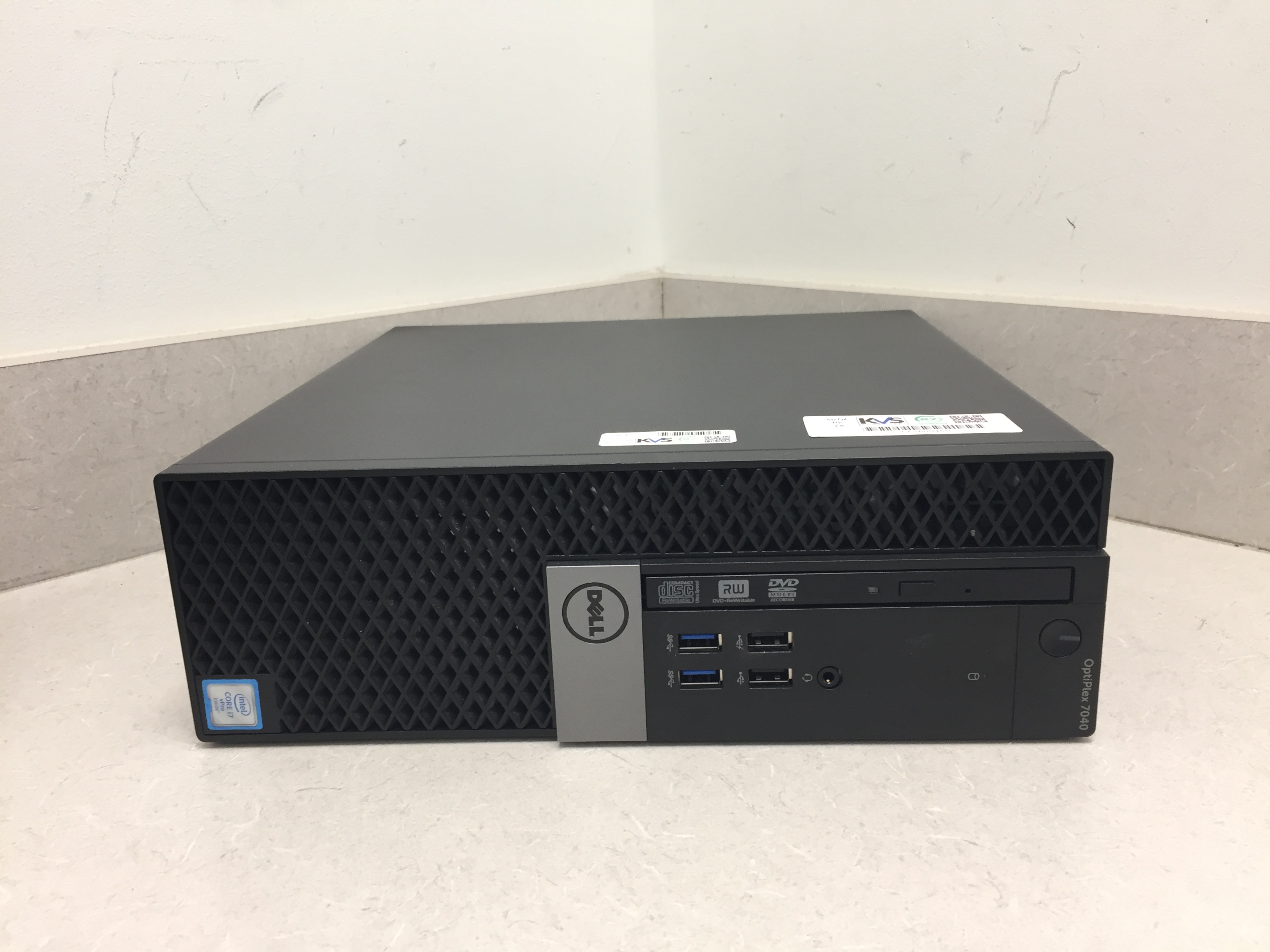
Desktop Advantages

  • Better performance for the same budget
  • Easier to upgrade components
  • Larger display options
  • Better cooling and longevity

If mobility is important, a laptop is the better option. If maximum performance and future upgrades matter more, consider a desktop.

Key Specifications to Consider

Processor (CPU)

The processor is the brain of your computer. Modern Intel Core and AMD Ryzen processors provide excellent performance for everyday tasks and professional workloads.

Choose:

  • Intel Core i5 or Ryzen 5 for regular users
  • Intel Core i7/i9 or Ryzen 7/9 for demanding applications

Memory (RAM)

RAM affects how smoothly your computer handles multiple applications.

Recommended:

  • 8GB for everyday computing
  • 16GB for office work and gaming
  • 32GB or more for professional editing and development

Storage

Solid State Drives (SSD) provide significantly faster performance than traditional hard drives.

Recommended:

  • 256GB SSD for basic users
  • 512GB SSD for most professionals
  • 1TB SSD for creators and gamers

Graphics Card (GPU)

A dedicated graphics card is important for gaming, video editing, CAD, and AI workloads.

Casual users can rely on integrated graphics, while professionals should consider dedicated NVIDIA or AMD graphics cards.

Display Quality

Choose a display based on your needs:

  • Full HD (1920×1080) for everyday use
  • QHD or 4K for creative professionals
  • High refresh rate (120Hz or above) for gaming

A quality display reduces eye strain and improves productivity.

Battery Life

If you frequently work away from your desk, battery life is an important consideration.

Look for laptops offering:

  • 8–10 hours for standard use
  • Fast charging support
  • Energy-efficient processors

Connectivity

Modern computers should include:

  • USB-C ports
  • USB 3.0 or higher
  • HDMI
  • Wi-Fi 6 or Wi-Fi 7
  • Bluetooth
  • SD card reader (if required)

These ports ensure compatibility with modern accessories and peripherals.

Security Features

Protect your personal and business data by choosing computers that include:

  • Fingerprint reader
  • Facial recognition
  • TPM security chip
  • Built-in antivirus support
  • Automatic security updates

These features help safeguard sensitive information.

Budget Planning

Set a realistic budget before shopping.

  • Budget Range: Basic computing and browsing
  • Mid-Range: Office work, education, programming, and light editing
  • High-End: Gaming, engineering, AI development, and professional content creation

Buying according to your needs ensures the best value for your investment.

Maintenance Tips

To keep your computer performing efficiently:

  • Keep your operating system updated.
  • Install reliable antivirus software.
  • Remove unnecessary applications.
  • Clean dust from fans and vents regularly.
  • Back up important files to cloud storage or an external drive.

Regular maintenance extends your computer's lifespan and maintains peak performance.

Final Thoughts

Choosing the perfect computer doesn't have to be complicated. Start by identifying your primary needs, compare essential specifications, and select a system that fits both your workload and budget. Whether you're purchasing a laptop for school, a desktop for business, or a high-performance PC for gaming, investing in the right computer today will provide years of reliable performance.

By understanding processors, memory, storage, graphics, and security features, you can confidently choose a computer that meets your current requirements while remaining capable of handling future demands.
Blog-Image

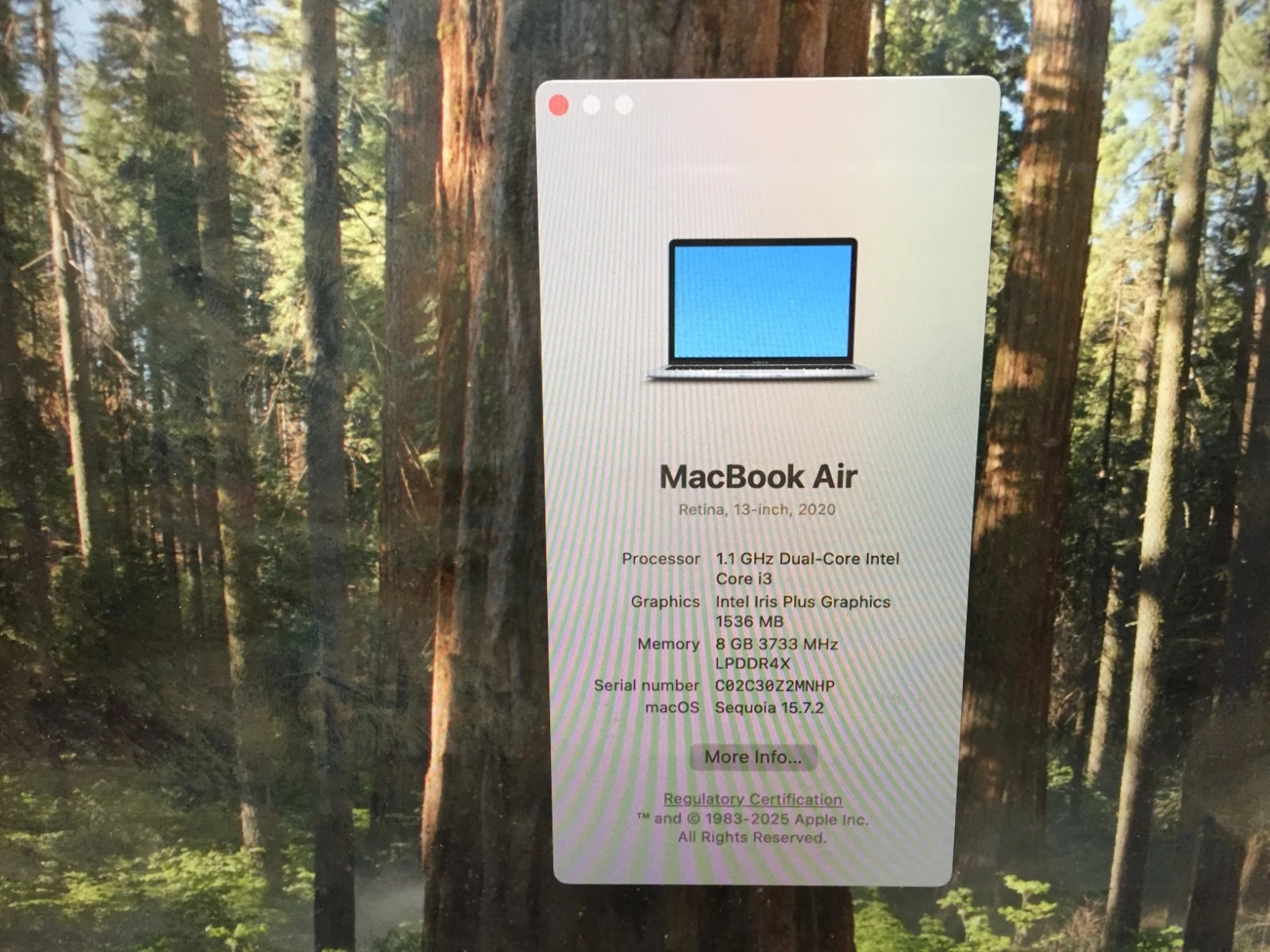
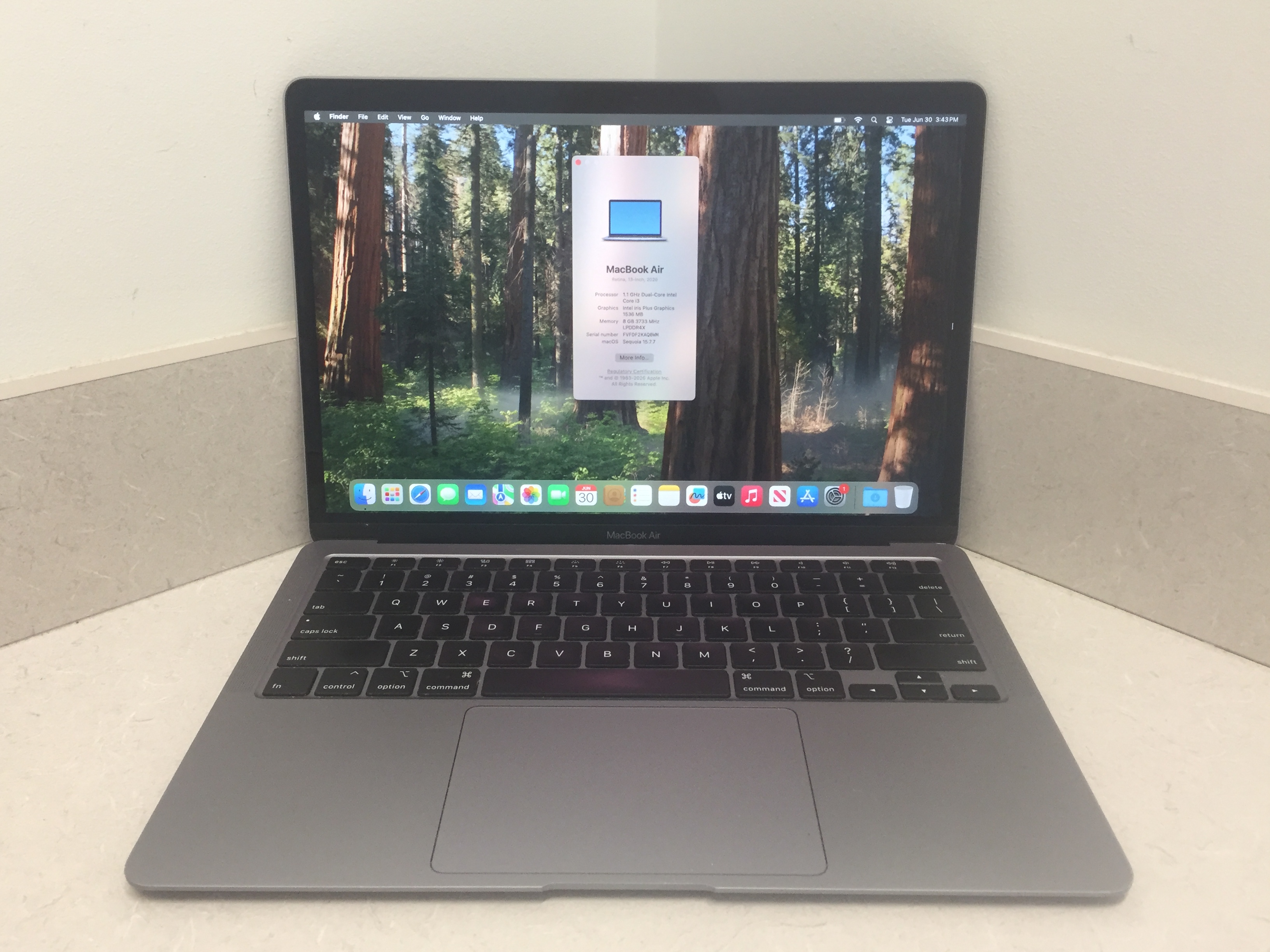
Apple laptops are highly coveted for their sleek aluminum design, industry-leading battery life, and powerful performance. However, walking into a retail store to buy a new MacBook Pro or MacBook Air often comes with a steep four-figure price tag. Fortunately, there is a smarter way to bring macOS into your workflow. Through KVS Auctions, you can bid directly on refurbished Apple laptops sourced from government surplus, corporate turn-ins, and institutional upgrades for a fraction of their original cost.

If you are a student, creative freelancer, or business owner looking for premium Apple hardware on a budget, navigating the online bidding landscape effectively can unlock massive savings. Here is what you need to know to win your next MacBook on KVS Auctions.


🛡️ Secure Bidding with R2v3 Certified Apple Gear

Buying a pre-owned Apple laptop from an unverified individual on a standard online marketplace comes with severe risks—ranging from hidden iCloud activation locks to hardware components on the verge of failure.

KVS Auctions eliminates this uncertainty by operating as an R2v3 Certified Recycler. When you explore the KVS Laptop Auction Catalog, you can bid confidently knowing that every MacBook has passed stringent quality standards:

  1. Full Data Sanitization: Every device undergoes a military-grade data wipe. The storage drive is securely erased, meaning your won MacBook arrives entirely clean, safe, and ready for your own Apple ID.
  2. Rigorous Hardware Diagnostics: Certified technicians thoroughly test core internal hardware. From the logic board down to the screen pixels, you receive a transparent assessment of the laptop's true functional status before placing a single bid.


🍏 Find the Right Fit: MacBook Air vs. MacBook Pro

The inventory on KVS Auctions routinely updates with various Apple laptop lots, ranging from individual high-performance machines to multi-pack wholesale bundles:

  • MacBook Air Lots: Ideal for students, writers, and daily commuters. Models equipped with Intel or Apple Silicon M-series chips offer incredible portability and elite battery life for everyday tasks.
  • MacBook Pro Lots: Built for power users. These machines often feature upgraded RAM configurations, brilliant Retina displays, and multi-core processors capable of handling video editing, graphic design, and code compiling.
  • Bulk Surplus Bundles: Frequently, public sectors offload whole departments of tech at once, allowing you to bid on multi-unit lots (such as bundles of 5 or 10 MacBooks). This is the ultimate goldmine for IT hardware resellers or small business owners looking to scale up an office fleet on a tight budget.


🛠️ Pro Tips for Apple Auction Bidders

  • Review the Operating System Details: Because government surplus requires strict data wiping protocols, some older Apple lots may require you to reinstall macOS or update the operating system using a bootable recovery drive. This step keeps the bidding competition low and allows savvy buyers to score incredible price drops.
  • Factor in Accessories: Check the lot details to see if the original Apple MagSafe or USB-C charger is included in the bidding package. If an otherwise pristine MacBook doesn't come with a power brick, it's easy to buy an affordable replacement online and absorb that minor expense into your maximum budget strategy.
  • Understand the Payment Tiers: Keep your winning bid budget in mind when checking out. For total invoice amounts under $1,000, you can pay conveniently via standard credit card or PayPal. If you win a major bulk lot of MacBooks exceeding $1,000, plan ahead to complete your transaction via wire transfer.


Ready to upgrade to premium Apple hardware without paying retail prices? Browse the current Laptop Auctions on KVS Auctions today, track your favorite lots, and secure your next MacBook for less!

September 3, 2026 ET 4 min read
Blog-Image

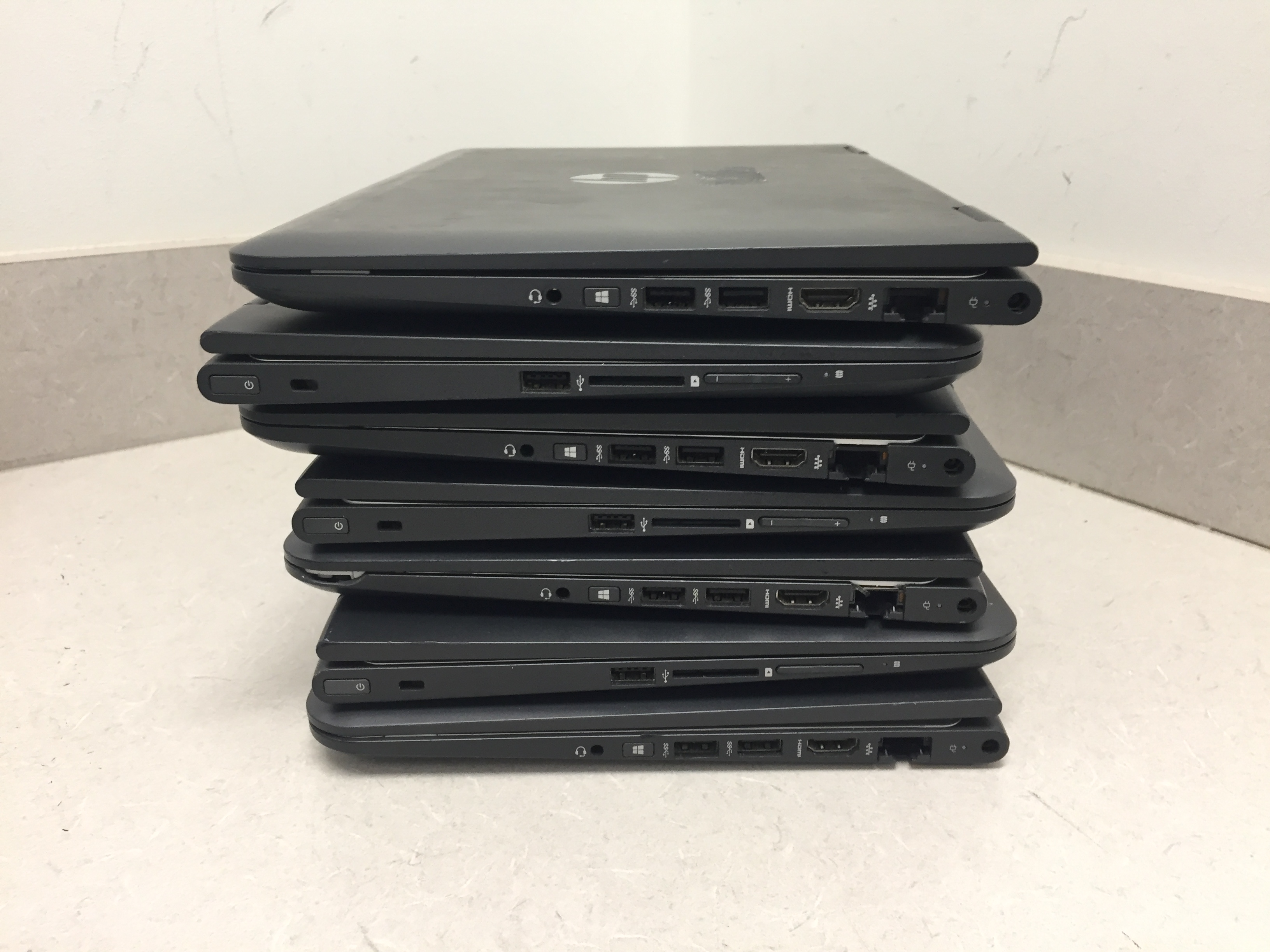
Buying a brand-new computer can easily set you back $1,000 or more, but it doesn’t have to. Every single month, public sectors, schools, and government agencies cycle through thousands of high-end, business-grade laptops to upgrade their systems. KVS Auctions provides a direct bridge to these assets, allowing you to bid on premium hardware for a fraction of its original retail cost.

However, buying used laptops online can sometimes feel like a gamble. To guarantee you get a machine that is safe, reliable, and functional, you need to know how to navigate the surplus market. Here is your ultimate guide to scoring the best laptop deals on KVS Auctions.


🛡️ The Secret Weapon: R2v3 Certified Laptop Lots

The biggest fear when buying a used laptop is data security and hardware health. If you buy a laptop from a random online marketplace, you risk buying a stolen device or a machine infected with malware.

KVS Auctions solves this problem by utilizing R2v3 (Responsible Recycling) standards. When you bid on a certified laptop lot, you are guaranteed two major protections:

  1. Military-Grade Data Wiping: Every hard drive is thoroughly sanitized and completely wiped using strict data-destruction protocols. The laptop arrives as a clean, secure slate.
  2. Functional Testing: Instead of guessing if a laptop works, certified technicians inspect the key internal hardware (like processors and RAM) to ensure the device is ready for a second life.


💻 Enterprise-Grade vs. Consumer Laptops

Many of the laptops featured on KVS Auctions—such as bulk or individual Dell, HP, and Lenovo lots—are enterprise-grade machines.

Unlike the cheap plastic laptops sold at standard big-box retail stores, enterprise laptops are built for corporations and government entities. They feature rugged internal frames, spill-resistant keyboards, better cooling systems, and easily upgradeable parts. They are engineered to last for years, making them an incredible investment for students, remote workers, and small businesses.


🛠️ Pro Tips for Laptop Bidders

  • Check the Operating System (OS) Status: Many government surplus laptops are wiped completely clean and sold without an operating system pre-installed. Don't let this scare you away—it actually keeps your bidding competition low! Installing Windows or a free OS like Linux via a USB drive is incredibly easy and saves you a massive amount of cash.
  • Look for AC Adapters: Always read the item description to see if the charging brick is included. If a great laptop lot doesn't include the charger, you can easily find affordable replacements online for $10 to $15. Factor that small cost into your maximum bid.
  • Consider Bulk Lots for Resale: If you run an IT repair shop or an e-commerce store, look for multi-pack laptop lots. Buying 5 or 10 laptops in a single bundle lowers your cost-per-unit dramatically, leaving you with massive profit margins after clean-up and resale.
September 3, 2026 ET 4 min read
Blog-Image

The right accessories can dramatically improve your computing experience. A mechanical keyboard provides better typing comfort, while an ergonomic mouse reduces wrist strain during long work sessions. External monitors increase productivity by providing more screen space for multitasking. Noise-canceling headphones improve focus, especially in busy environments. High-quality webcams and microphones enhance virtual meetings and online classes. Consider investing in a UPS for power backup and an external SSD for fast file storage. These accessories help create a more efficient and comfortable workspace.

Key Specifications to Consider
Processor (CPU)

The processor is the brain of your computer. Modern Intel Core and AMD Ryzen processors provide excellent performance for everyday tasks and professional workloads.

Choose:

Intel Core i5 or Ryzen 5 for regular users
Intel Core i7/i9 or Ryzen 7/9 for demanding applications
Memory (RAM)

RAM affects how smoothly your computer handles multiple applications.

Recommended:

8GB for everyday computing
16GB for office work and gaming
32GB or more for professional editing and development
Storage

Solid State Drives (SSD) provide significantly faster performance than traditional hard drives.

Recommended:

256GB SSD for basic users
512GB SSD for most professionals
1TB SSD for creators and gamers
Graphics Card (GPU)

A dedicated graphics card is important for gaming, video editing, CAD, and AI workloads.

Casual users can rely on integrated graphics, while professionals should consider dedicated NVIDIA or AMD graphics cards.

Display Quality

Choose a display based on your needs:

Full HD (1920×1080) for everyday use
QHD or 4K for creative professionals
High refresh rate (120Hz or above) for gaming

A quality display reduces eye strain and improves productivity.

Battery Life

If you frequently work away from your desk, battery life is an important consideration.

Look for laptops offering:

8–10 hours for standard use
Fast charging support
Energy-efficient processors
Connectivity

Modern computers should include:

USB-C ports
USB 3.0 or higher
HDMI
Wi-Fi 6 or Wi-Fi 7
Bluetooth
SD card reader (if required)

These ports ensure compatibility with modern accessories and peripherals.

Security Features

Protect your personal and business data by choosing computers that include:

Fingerprint reader
Facial recognition
TPM security chip
Built-in antivirus support
Automatic security updates

These features help safeguard sensitive information.

Budget Planning

Set a realistic budget before shopping.

Budget Range: Basic computing and browsing
Mid-Range: Office work, education, programming, and light editing
High-End: Gaming, engineering, AI development, and professional content creation

Buying according to your needs ensures the best value for your investment.

Maintenance Tips

To keep your computer performing efficiently:

Keep your operating system updated.
Install reliable antivirus software.
Remove unnecessary applications.
Clean dust from fans and vents regularly.
Back up important files to cloud storage or an external drive.

Regular maintenance extends your computer's lifespan and maintains peak performance.

Final Thoughts

Choosing the perfect computer doesn't have to be complicated. Start by identifying your primary needs, compare essential specifications, and select a system that fits both your workload and budget. Whether you're purchasing a laptop for school, a desktop for business, or a high-performance PC for gaming, investing in the right computer today will provide years of reliable performance.

By understanding processors, memory, storage, graphics, and security features, you can confidently choose a computer that meets your current requirements while remaining capable of handling future demands.
September 2, 2026 ET 4 min read